new for 2026
Everyone's Talking About
Canva AI...
Here's The Course That Shows How To Use It
For digital product creators, Etsy sellers, and online business owners who want to finally use Canva's AI features to create attractive designs & templates — without having to be a prompt guru or design expert.
Canva AI Masterclass Bundle
Two guides. 83 templates. 10 mockups. Everything in one bundle at one price.

"Kudos for shedding light so clearly on the terms for this important creative tool. "
- @PlanetC64
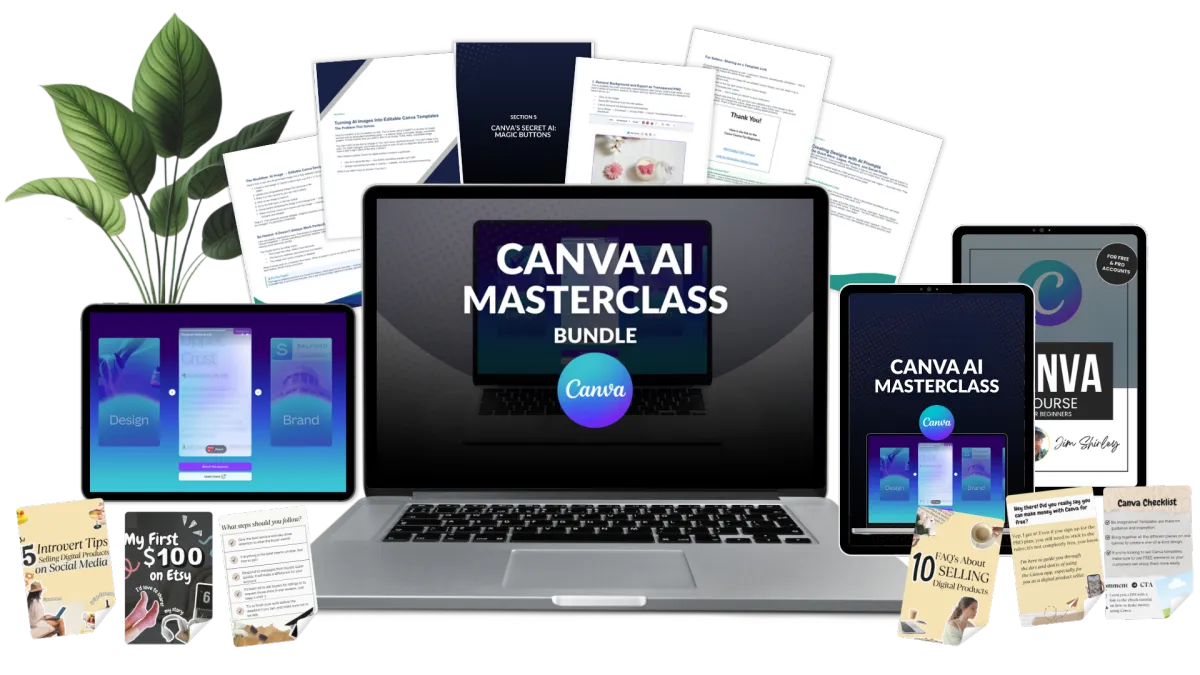
Here's what you get:
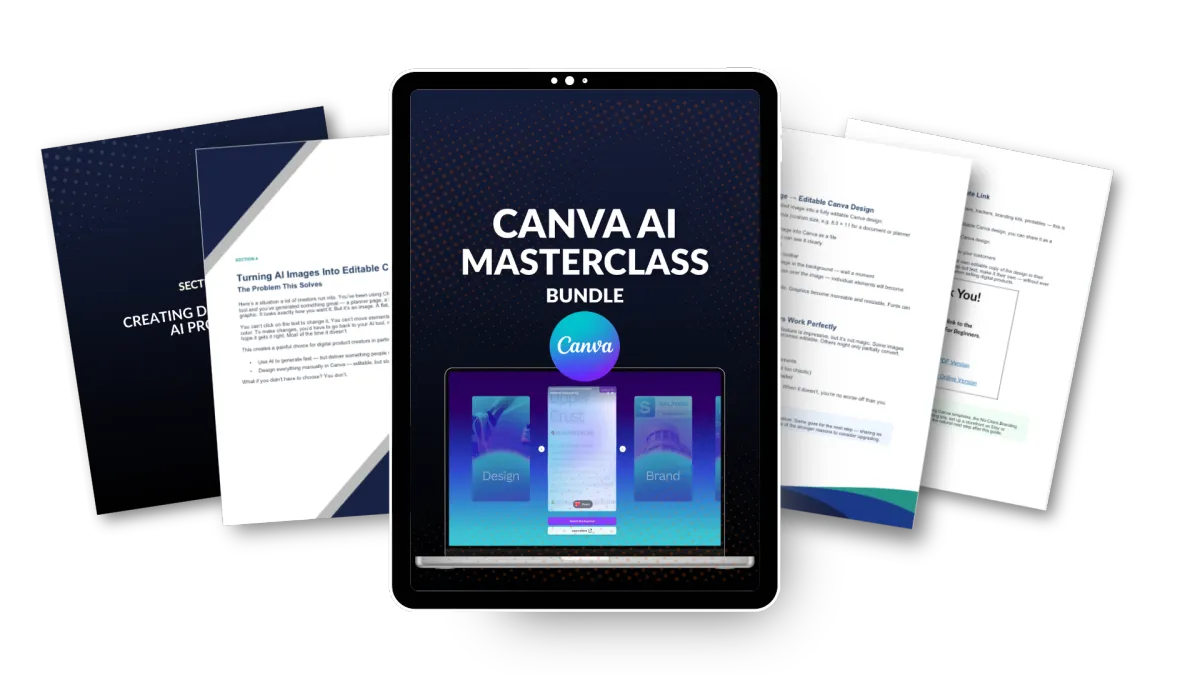
The Canva AI Masterclass
The complete walkthrough of Canva's AI system — including the buttons most people miss, the Code feature for interactive products, the AI image workflow, and more...
Canva for Beginners Course
The complete foundation. Covers the workspace, every tool you need, font pairing, Brand Kit setup, Magic Studio, creating digital products, saving and sharing your projects — everything. Whether you're brand new or self-taught with gaps, this fills them all.
Carousel Post Templates
83 professionally designed carousel post examples you can open in Canva and make your own. Change the text, swap the colors, match your brand — and post. These aren't throwaway freebies. They're templates you'd actually use.
Etsy Listing Mockup Images
If you plan to sell digital products on Etsy, these mockup images make your listings look professional from day one. Just drop your product images into the mockups and you've got listing image that sell.
Keyboard Shortcut Cheat Sheets
Printable quick-reference guides with every Canva keyboard shortcut for Mac and for Windows.
GET EVERYTHING FOR ONLY
$27

"I really Appreciate Your Techniques... Looking forward to More Creative Methods Coach 😊 🤩 💰"
- @ConsiderThis247
STILL NOT SURE?
100% Satisfaction Guaranteed
Take a full year to go through the courses, the templates and the videos. If you are not 100 percent satisfied, the simply email me and let me know. I'll gladly provide a full refund - no questions asked. Plus you can keep the course and materials.
STILL GOT QUESTIONS?
Frequently Asked Questions
Do I need Canva Pro for this?
It is best if you have Canva Pro. The cost is less than $15/month but there are discounted options if you search around for them. The new Canva AI 2.0 may be an additional cost - but we are still waiting to find out.
I am a complete beginner. Will this be too advanced?
Not at all. The Canva for Beginners course covers everything from creating your account to using every tool in the workspace. It's designed to take you from zero. The AI Guide builds on top of that foundation.
How do I access the templates and course material?
The carousel templates and Etsy mockups are Canva templates. You'll receive a document with links directly to these templates. You click the link, it opens in your Canva account, and you get your own editable copy. Simple as that. The course materials are in PDF format for easy reading on mobile or laptop. Videos are available in a course area.
Will I need ChatGPT or Claude subscriptions for this?
Not at all! Canva's AI features are independent and exclusive to Canva. No need for additional subscriptions.
Is this just another generic Canva course?
No. The AI Guide specifically covers the features most courses haven't caught up to yet — AI-powered design generation, Canva Code, turning ChatGPT images into editable templates, and professional finishing techniques.
Do I need design skills to make this work?
No way! I am not a designer at all. My work looks pretty good though thanks to all the skills I've learned with Canva. And that's what I'll be sharing with you.